That syncing feeling
Writing this up while I remember what I did. Bit of a yak shave.
Rekordbox vs Ableton Live Link, and the rest
This is my setup: bunch of modern synths, mostly semi-modular, USB midi for the most part. Things like a Make Noise 0-Coast and a Behringer Neutron alongside more slick gear like a Novation Peak. I was definitely part of the Covid surge in interest there.
Plus, an ebay flavoured DJ rig with very old parts - because they were cheaper - 2x CDJ-900s (2009) and a big old DJM-2000 (2010) and a Mac Mini and screen. These can play CDs, USB or off Rekordbox. It’s a lot of fun.
I’ve been trying to bridge the gap between these two setups for a while, mostly unsuccessfully, but better document what I have tried.
What I’m trying to do
I just think it would be neat to mix some tunes, into something minimal, get that looping, then mix into some prepared tracks from synth corner, and layer some more improvised stuff on top of that. All in sync then maybe seamlessly mix back into tunes off the decks.
In theory … this should be possible, right?
Trying Pro DJ Link
On the DJ side, the tracks on USB and Rekordbox are analysed for BPM, beats and bars, and that data is shown onscreen on the Mac when playing through. Apart from BPM it’s not shown on the CDJ-900s - it is basic!
As a neat reminder, these are the three options you get to see your waveform, beats, bars and all the visual information a modern CDJ (or Rekordbox) presents…
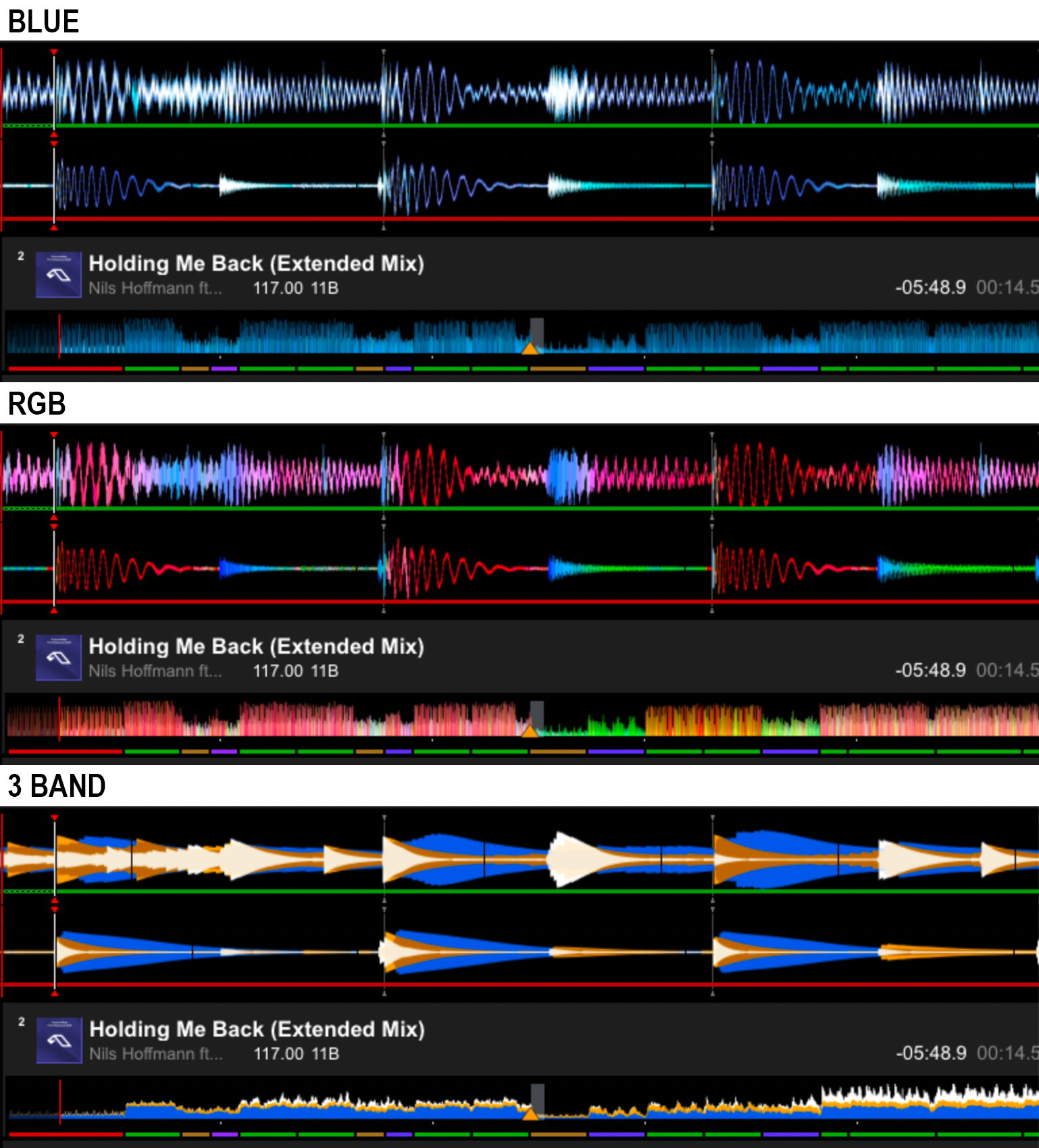
Meanwhile, on the CDJ we get peaks of 5 pixels…
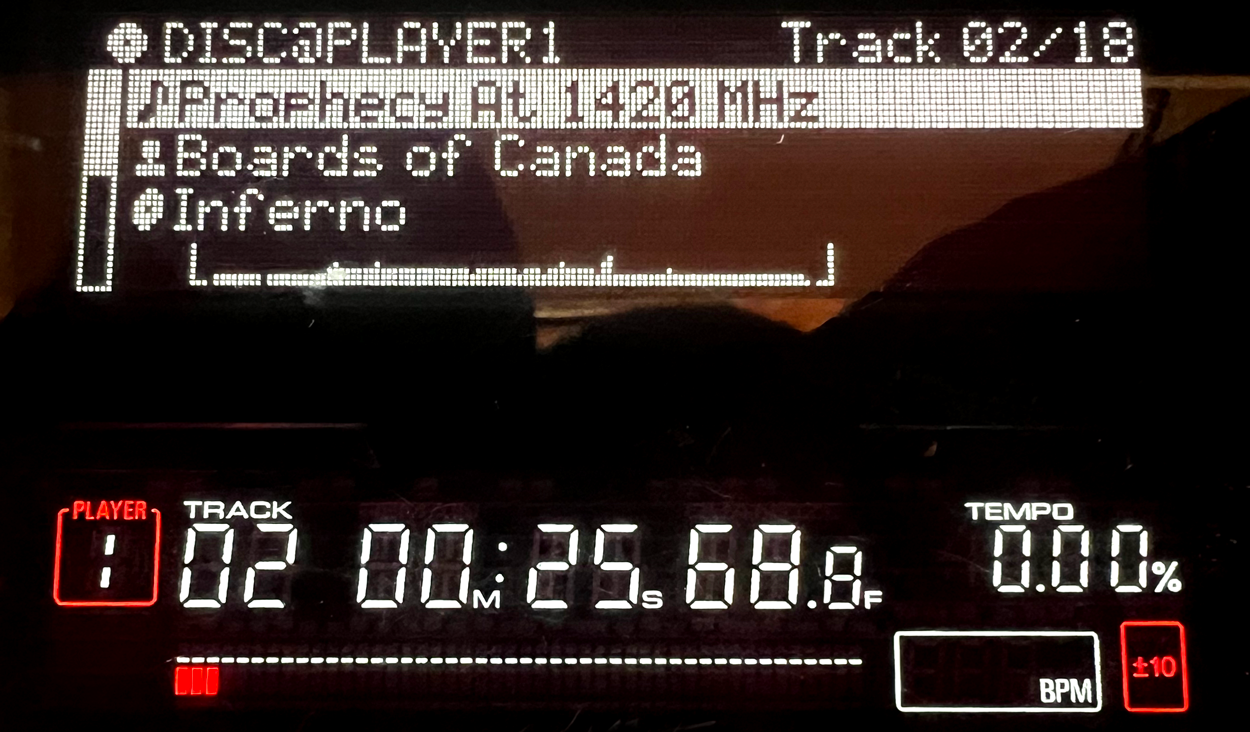
(note: this CDJ was released TWO YEARS after the iPhone. I mean, FFS)
But the underlying level of tech here continues to the implementation of Pro DJ Link, which is the proprietary PioneerDJ network level comms to connect their gear. Each of these devices (the CDJs & DJM) have ethernet, the mixer has a 6 port switch, and it allows sharing of data across the devices. Newer devices, loads of stuff, the nice colour waveforms, the digital audio data, and the analysed beats, bars and BPMs in realtime.
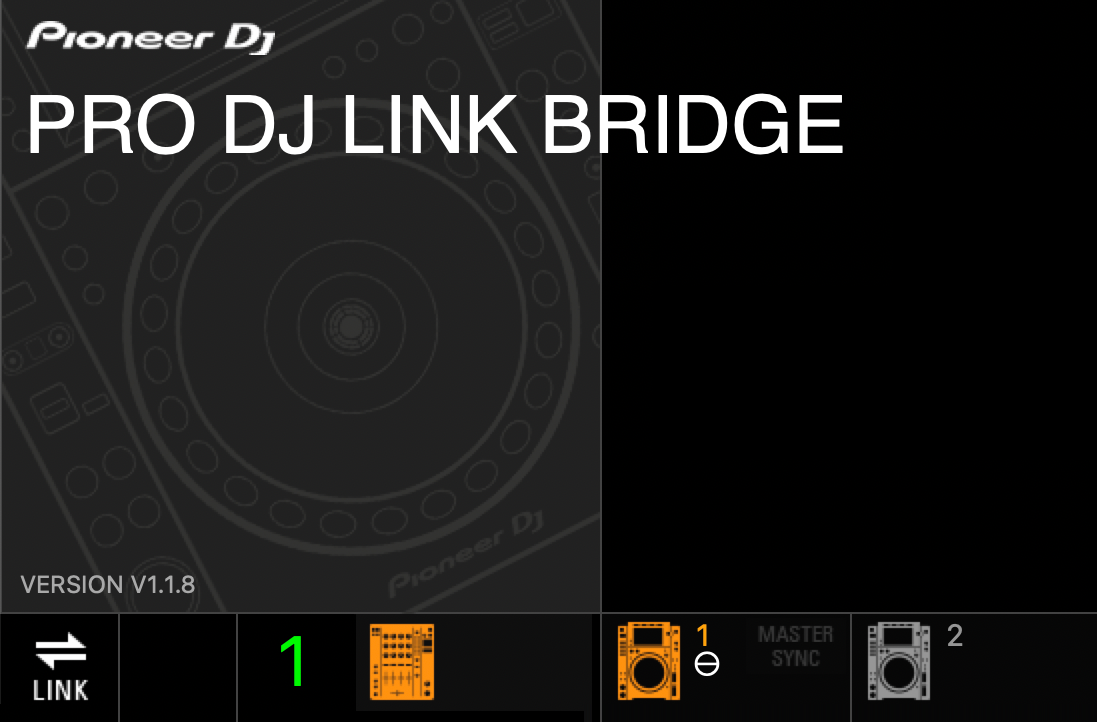
Can I get that here? Nope. Just BPM. I think. Try? Sure.
Software?
I looked at so many hopeful ways to sync using this data, but my decks are just too old. I should have stopped here. Some links to the things I tried:
Beat Link Trigger
Beat Link Trigger User Guide
Works on playback of Rekordbox analysed files off USB, but only shows the track names (sometimes including artwork) and the BPMs.
Prolink tools
Prolink tools manual
Is based on the above, also works, and is nice and simple - JS, HTML and CSS, also creates a “now-playing” overlay for OBS for Twitch DJs. Might come back to that.
Also tried, with no success, a simple app that, I think, tries to send out MIDI clock from the ProDJLink beats - but again, I don’t think these CDJs send that.
CDJ-Clock
(For CDJ clock I also needed to install MacPorts, and Wireshark chmodbpf)
Hardware
I even tried hardware to get there…
ALM Busy Circuits Pamela’s Disco - again, I think this was looking for the beats, and they never came, so the lights never lit and we all learned something, but it had to be returned.
A PioneerDJ Toraiz SP-16 - one last, large push - trying to get there with official gear, that also includes a fantastic sampler, sequencer, groovebox thing. Did not succeed. DID NOT SUCCEED.
OK, now I’m annoyed.
Let’s try MIDI
So I tried the MIDI BPM out of the DJM-2000 which was OK but not the same data as was in the analysed track, it’s doing it on the fly (intended for the tempo-based fx, like delays) and is hmmm not quite as good. Didn’t work well enough for me anyway, in Logic or Ableton.
I suppose one way would be to just decide on a tempo and stick to it, on whatever is playing out of the decks/Rekordbox and set the same in Logic/Ableton, and just mix the audio at the mixer. Yes this worked, but needs a bit of beatmatching, and occasionally nudging back in time. But we are not cavemen! Can we not make the tech do more work?
Let’s try Ableton Link
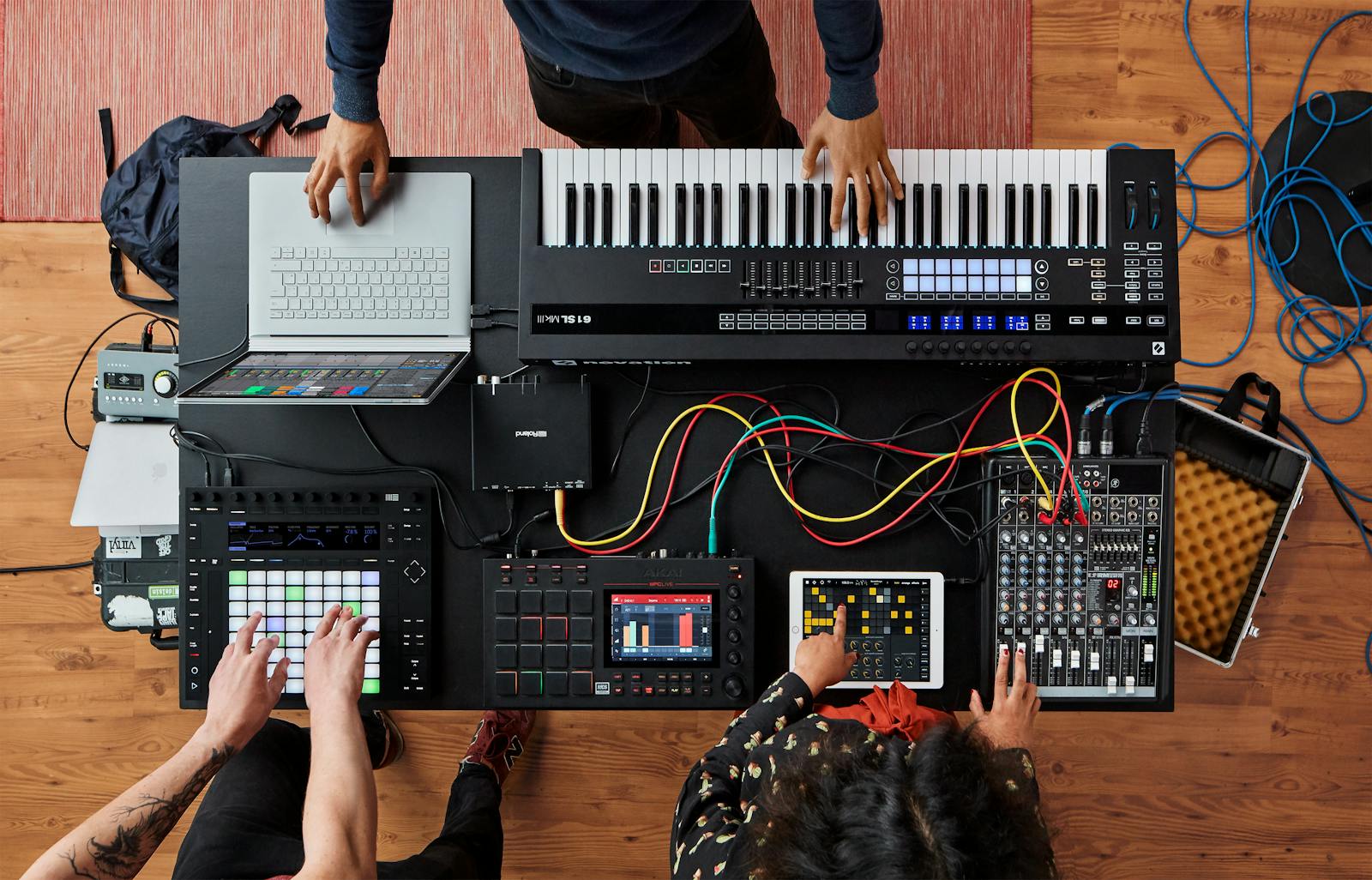
A feature of Ableton Live, and one that’s been built into Rekordbox for ages. In theory this is the solution to all the problems, right? Unfortunately I did try this earlier on, and it’s not quite the magical solution you’d think.
For some reason, the tempo is shared over the network but changes are not bidirectional, playing tunes in Rekordbox matches the Ableton tempo, but changes at the Rekordbox end are not transmitted in the other direction. Not the freeflowing scenario I imagined!
But, seeing as the other avenues had come up short, it was time to have another crack at it. I found this project, currently in development.
rkbx_link for Rekordbox
Blurb sounds good:
Export live and rock-solid timing, phrase and track info to sync live lights and music to your DJ sets in Rekordbox! With support for Ableton Link, OSC, sACN, setlist generation and more. rkbx_link provides highly accurate low-latency data by reading transport position and beatgrid directly from memory. It’s Pro DJ Link, but for Rekordbox!
Mac version is little bit adhoc, and I had a few issues.
- Only works with one specific version of Rekordbox (7.2.8),
- The script to ‘resign’ it was in a different place
- It needs permissions set to run -
chmod +x resign_sh - I got stuck with the download
/data/offsets-macosand the extracted Rekordbox permissions ending up in my~/userfolder not the working directory - Terminal had to be given permissions to make a change to another app… I did not see the dialog box on the Mac Mini I VNC into, oops
Phew - we got there in the end.
Scrappy demo, Rekordbox on the Macmini via screenshare, Live running on this Macbook, iPhone camera hopefully picking up the sound from speakers and laptop ok.
Increasing or decreasing the BPM on either app running on separate machines changes the BPM. Start/stop also works, to nearest BAR, I think.
I just got this working, and need to tweak the latency when it’s all running through the one mixer. But hopefully I’ll get to try some stuff out soon.